
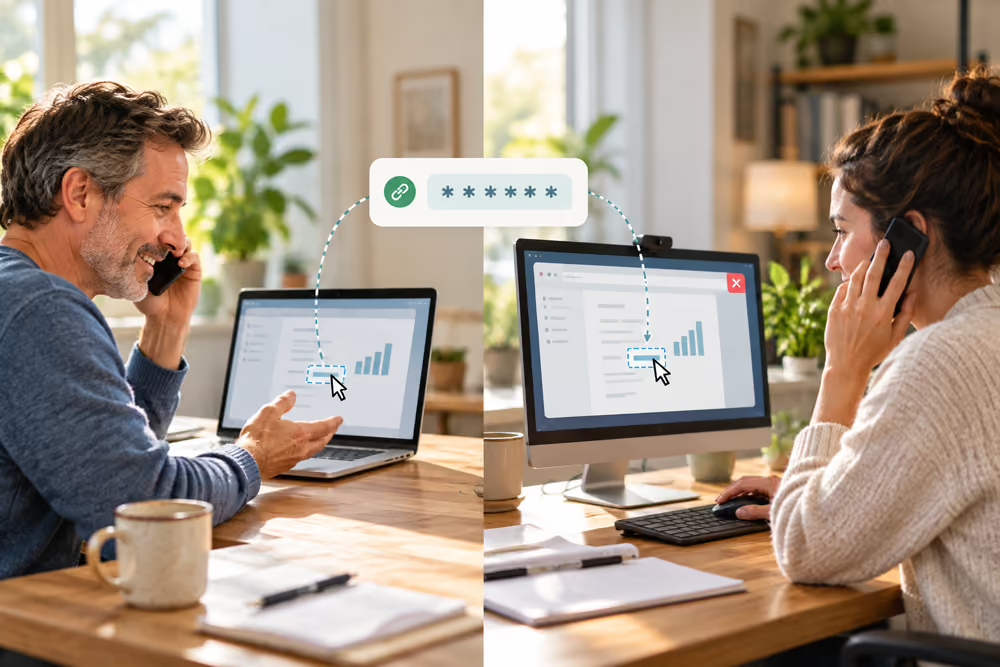
When we train you on your website, or help you with a problem on your computer, we do it with Google Meet. Google Meet is Google’s free video calling service. It lets you share your screen with us, which means we see exactly what you see on your computer, so we can talk you through each step while you do it.
What You Need
- A computer with an up-to-date web browser (the program you use to look at websites, such as Chrome, Edge, Firefox or Safari). You don’t need to install anything.
- A microphone and speakers, or a headset. Most laptops have both built in. If yours doesn’t, we can talk on the phone while you share your screen.
- You don’t need a Google account.
How to Join the Meeting
- We’ll email you a link to the meeting before the session.
- At the time of the session, click the link. Google Meet opens in your web browser.
- If your web browser asks whether Google Meet can use your microphone and camera, click Allow. You can turn your camera off once you’re in the meeting if you prefer.
- If you’re signed in to a Google account, click Join now. If you’re not, type your name and click Ask to join, and we’ll let you in.
How to Share Your Screen
- At the bottom of the Google Meet window, click Present now.
- Choose Your entire screen, then click Share.
- We can now see your screen. You stay in charge of your own mouse and keyboard: we talk you through each step and you do the clicking, so you learn as you go.
- When we’ve finished, click Stop presenting, then click the red button with the telephone on it to leave the meeting.
Is It Safe?
Yes. We can only see your screen while you’re sharing it, and only what you choose to share. We can’t control your computer, and nothing is installed on it. As soon as you stop sharing or leave the meeting, we can no longer see anything.